
This tutorial describes what you can test technically with a physical Mint SIM and an unlocked LTE modem or gateway. A successful connection does not mean Mint supports that device or exempts it from plan limits.*
Step 1: Activate the SIM first
- Put the physical Mint SIM into an unlocked, Mint-compatible smartphone.
- Complete activation through the Mint Mobile app or website.
- Turn off WiFi on the phone and verify cellular data works. Then power the phone down before removing the SIM.
Keep the original 3-in-1 SIM frame in case a larger adapter is needed later.
Step 2: Insert it into the LTE modem or gateway
- Power off the modem or gateway.
- Insert the SIM in the orientation shown on the device. Use a snug adapter only if the slot requires a larger size; a loose adapter can damage the slot.
- Power on the device and allow several minutes for network scanning.
-
Connect to its local WiFi or wired network. Open the admin page using the address on the device label or in its manual, often a local
192.168.x.xaddress.
Pause here: If you see “SIM not detected,” reseat it with power off. If you see “No service,” check coverage and LTE band compatibility before changing settings.
Step 3: Configure APN settings
In the modem or gateway’s cellular settings, create a new APN profile. These values come from Mint’s published phone setup guidance; Mint does not provide them as a guarantee of modem support.
- Profile name
-
Mint - APN
-
Wholesale - Username
- Leave blank
- Password
- Leave blank
- MCC / MNC
-
310 / 260 - APN protocol
- IPv4/IPv6
- Save the profile and set it as active.
- Restart the modem or gateway and wait for it to register.
- Check its dashboard for cellular signal and connection status. If it registers, test a web page from a connected device.
An MMS server, proxy, or port is generally unnecessary for a data-only modem or gateway test. Follow the device maker’s instructions if the interface requires more fields.
Step 4: Check bands and connection issues
- Supported bands: Ensure your router supports T-Mobile’s primary LTE bands (B2, B4, B5, B12, B66, B71). Band 71 is critical for rural range.
- No service: Check coverage, SIM detection, network mode, antenna connections, and whether the SIM still works in the supported phone.
- Connected, but no internet: Recheck the APN spelling, confirm the plan is active, and restart the modem or gateway.
This guide does not include TTL traffic-disguise or IMEI-cloning instructions. Those steps can misrepresent the device or evade plan restrictions and do not make a modem officially supported.
Before relying on this in your RV
- Confirm your SIM, plan, and exact modem or gateway model with Mint.
- Test at home and check coverage at your destination.
- Have a backup connection for work, navigation, or emergencies.
- For a supported alternative, use a compatible phone’s hotspot within its allowance or choose a plan that explicitly supports modems or gateways.
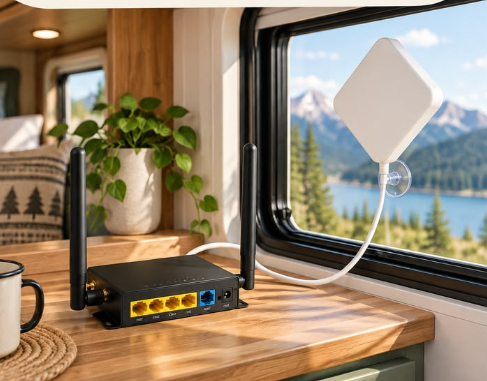
Looking for a modem for your travel setup?
View the listing for product details, current pricing, and specifications. Check the exact model and carrier requirements before ordering.
View modem on Amazon ↗#ad · Affiliate link supplied by Roam Ready Finds. This listing does not imply Mint supports this modem or gateway.
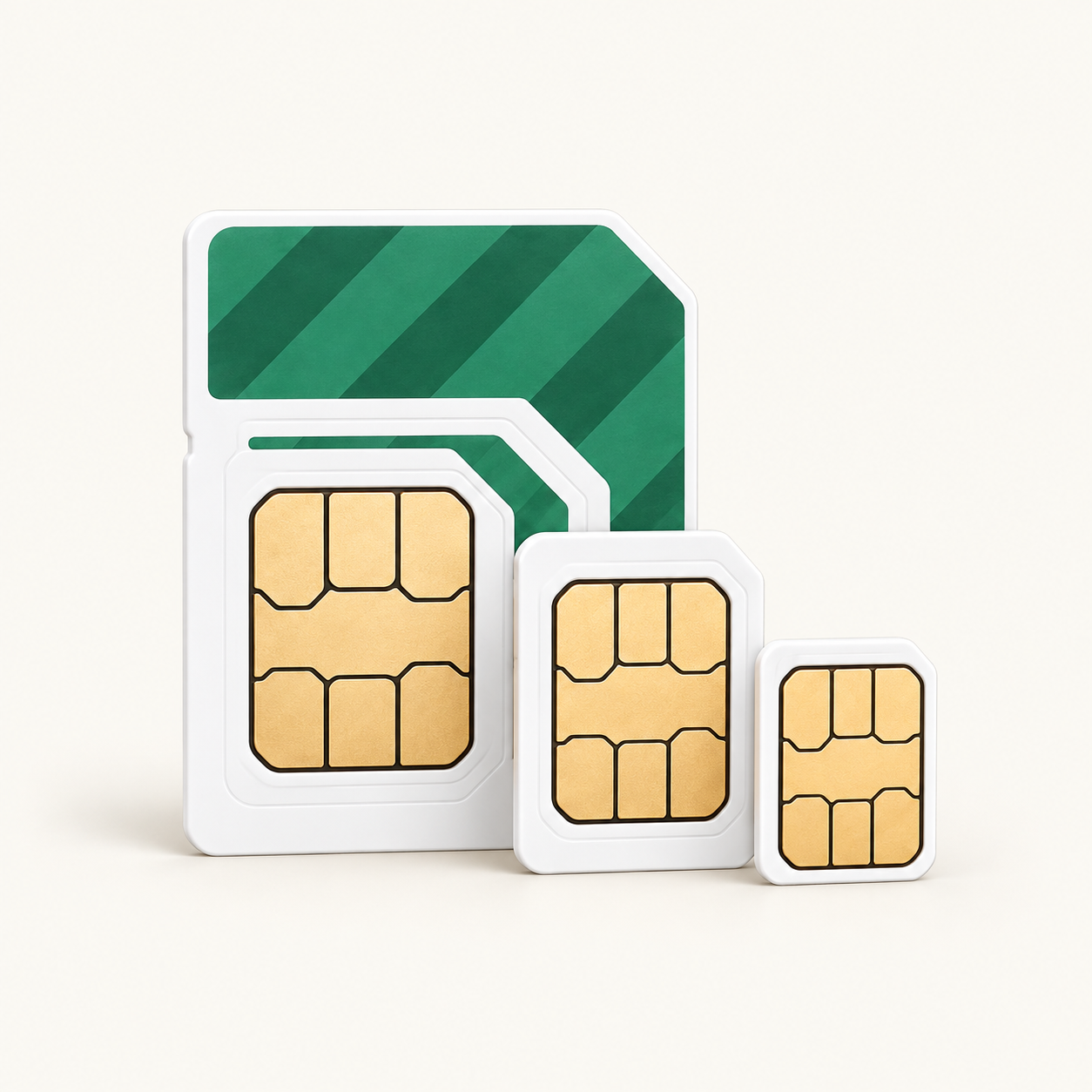
Considering the Mint 3-month offer?
Check current eligibility, price, and renewal terms before ordering.
Get 3 Month Unlimited Data for $45 ↗#ad · Affiliate link supplied by Roam Ready Finds. The $45 promotional price may change or differ on the linked listing. This offer does not imply Mint supports LTE modems or gateways.